Aussie Wayfarer
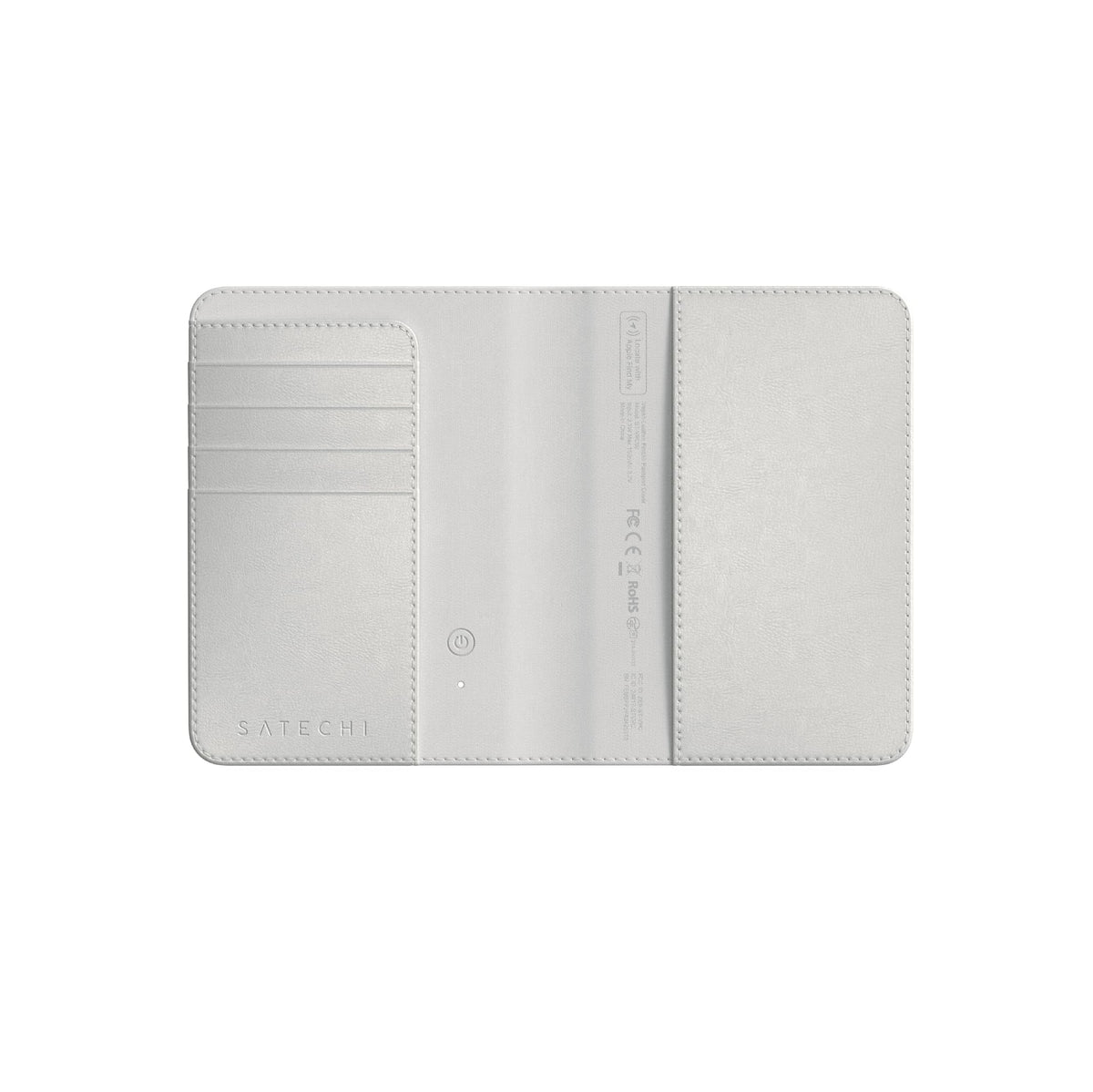
Satechi Passport Holder with Find My Tracking, 4-Slot Card Wallet, Black
Couldn't load pickup availability
Product description
Tag everything that matters
|
Customer Reviews
|
4.4 out of 5 stars 407
|
4.2 out of 5 stars 213
|
4.3 out of 5 stars 94
|
4.1 out of 5 stars 207
|
4.4 out of 5 stars 127
|
|
Best For
| Passport & travel | Keys | Checked luggage | Wallet & cards | Eyewear |
|
Material
| Vegan leather | Vegan leather | Vegan leather | Aluminum & tempered glass | Vegan leather |
|
Apple Find My
| |||||
|
Battery Life
| Up to 5 months | Up to 12 months | Up to 8 months | Up to 16 months | Up to 8 months |
|
Wireless Charging
| Qi, Qi2 & MagSafe | Qi, Qi2 & MagSafe | Qi, Qi2 & MagSafe | Qi, Qi2 & MagSafe | Qi, Qi2 & MagSafe |
|
Colors
| Black, Sand, Desert Rose | Black, Sand, Desert Rose | Black, Sand, Desert Rose | Black, Sand, Desert Rose | Black, Sand, Desert Rose |
-
Can the Find My feature work with Android?
It does not work with Android, only compatible with iOS, iPadOS and macOS. You can login on an android device through icloud.com with an Apple ID to locate the device only if it has been paired to an iPhone or iPad beforehand.
-
How does Satechi FindAll Passport Cover protect against unauthorized scanning?
This passport cover utilizes RFID blocking technology to protect credit cards from unauthorized scanners. This helps keep personal and financial information secure while traveling.
-
Why hasn't my Find My Passport Cover been updating its location?
Please make sure your Bluetooth is always on, if Bluetooth is off, you will not be able to get the latest location in real time.
-
What happens if my passport is stolen?
Open the Find My app, select the Items tab, find your Passport Cover and view its location on the map. If it is nearby, use the app to play a sound on the Cover to help you locate it. If you cannot find your Passport Cover enable Lost Mode.
-
How to perform factory reset of the FindAll Passport Cover?
Quickly press the power button 4 times, then long-press for at least 3 seconds, then you will hear a beep confirming the Passport Cover has been reset.
From the brand
Upgrade Your Setup
Thunderbolt 5 CubeDock Dock Station with SSD Enclosure
-
-
Every Port You Need
-
OntheGo Collection
-
FindAll Collection
-
Qi2 Charging Collection
-
Connectivity & Expansion
-
Docking Stations
-
Power & Charging
-
Productivity Essentials
-
About Satechi
We’re more than just another tech brand; we’re innovators committed to bringing you faster, more efficient solutions.
Our USB Type-C hubs, adapters, and accessories are designed to seamlessly combine performance and style. No matter what your goals are, our gear is here to make your life a little easier.
Share